How Restaurant Groups Scale Guest Communications Across Multiple Locations with Voice AI
Industry & Operations

Build a modern restaurant tech stack with POS systems, online ordering, inventory management, and communication tools that support better operations.
February 6, 2026
•
Resource
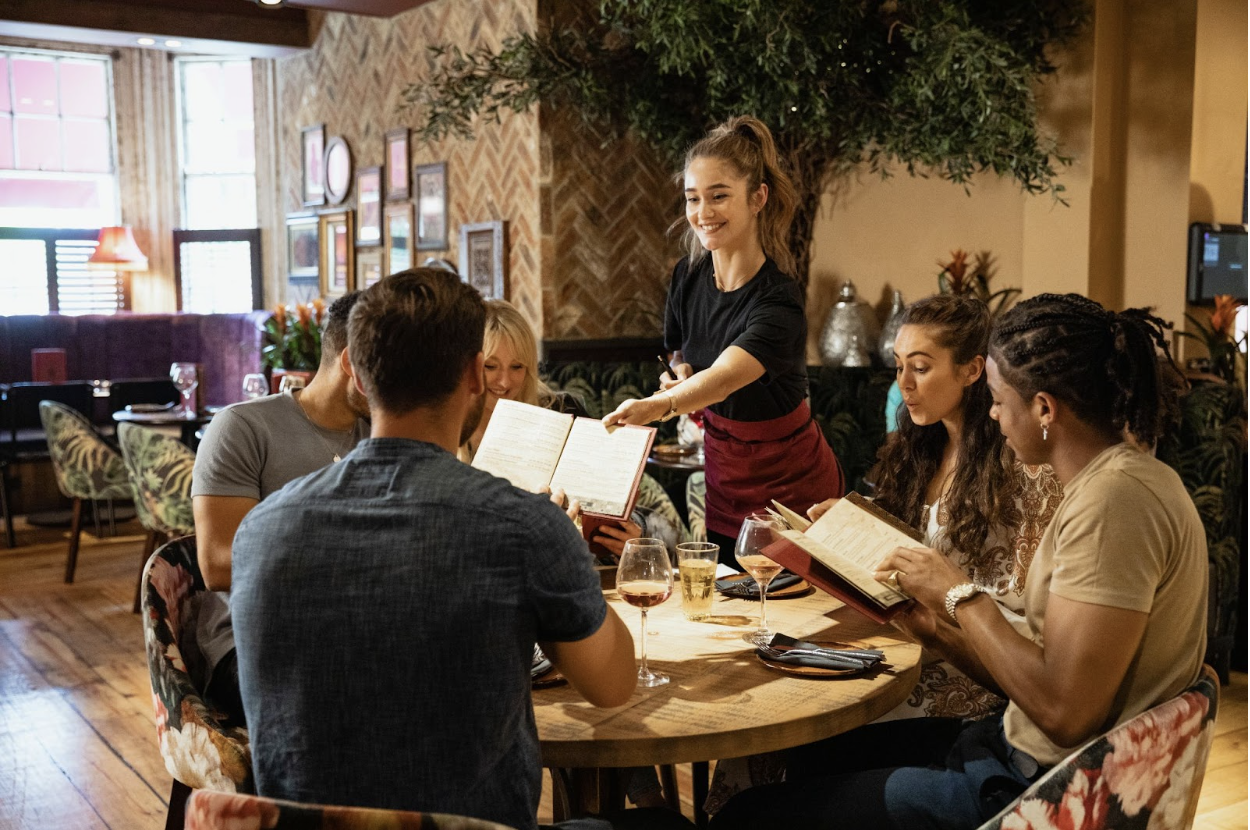
If your restaurant feels busy but not always in control, your tools might be part of the problem. Most restaurant teams don’t struggle because they lack hustle. They struggle because information is scattered.
Orders live in one system, labor lives in another, inventory management is tracked in a spreadsheet, and guest questions hit the phone at the worst possible time.
A strong restaurant tech stack fixes that. It gives your team the right tools to stay on top of service, even during peak hours.
But first, it’s important to understand the key components of a modern restaurant technology stack and how to choose systems that support both independent restaurants and multi-location groups.
A restaurant tech stack is the complete set of technology solutions you use to run the restaurant business day to day, from taking orders to paying staff to tracking food costs.
A good tech stack is connected so that all your different tools share the same restaurant data and reduce manual busywork.
If you use a set of disjointed tools, it ends up creating extra steps. For example, managers may have to copy sales data into accounting software, double-enter menu changes across online ordering platforms, and answer the same guest questions repeatedly.
A modern restaurant tech streamlines everything and minimizes manual tasks. Orders should flow into the kitchen cleanly, labor management stays predictable, inventory control tightens, and you can actually trust your numbers.
So, when you’re choosing your tech solutions, make sure you pick tools that integrate with one another so that you can streamline operations and improve business performance.
Below are the key tools most modern restaurants need to operate efficiently, stay organized, and keep service moving.
Your point of sale (POS) is the hub of your entire restaurant tech stack. The POS is where you ring in orders, route tickets, process payments, and generate the sales data you use to make decisions.
For restaurant owners, the best modern POS systems do two things well:
What to prioritize in point of sale POS and pos platforms:
Online ordering can be a revenue driver or a constant headache, depending on how you manage it in your restaurant technology stack. Most restaurants are dealing with at least two lanes of demand:
A strong ordering setup supports:

In a restaurant tech stack, this is your table management layer. It’s the system that helps you pace seating so the kitchen doesn’t spike and the host stand doesn’t melt down.
Strong reservation management tools support:
A KDS turns tickets into a clear flow that the kitchen can execute. This is how:
The value here is clean execution. A KDS helps restaurants optimize speed without rushing staff into mistakes.
Inventory management software helps you understand your purchase data and connect it to what you actually sold.
What to prioritize in inventory management systems:

Scheduling is where labor costs are made or lost. The right employee scheduling tools help you staff appropriately without spending your whole week in shift-swap chaos.
Strong staff scheduling tools support:
Payroll is one of those systems that only gets attention when it breaks. In restaurants, it breaks often because tip rules are complicated and the entire payroll process touches everyone’s trust.
A good payroll setup supports:
Payment processing is part of the guest experience. A slow checkout adds friction at the worst time, when the guest is ready to leave, and your staff is trying to turn the table.
Good payment processing tools help you:
The best accounting setups reduce spreadsheet nightmares by syncing automatically with your POS and other systems. Instead of hunting down and crunching numbers manually at month-end, you get a clearer view of performance as you go.
What to prioritize:
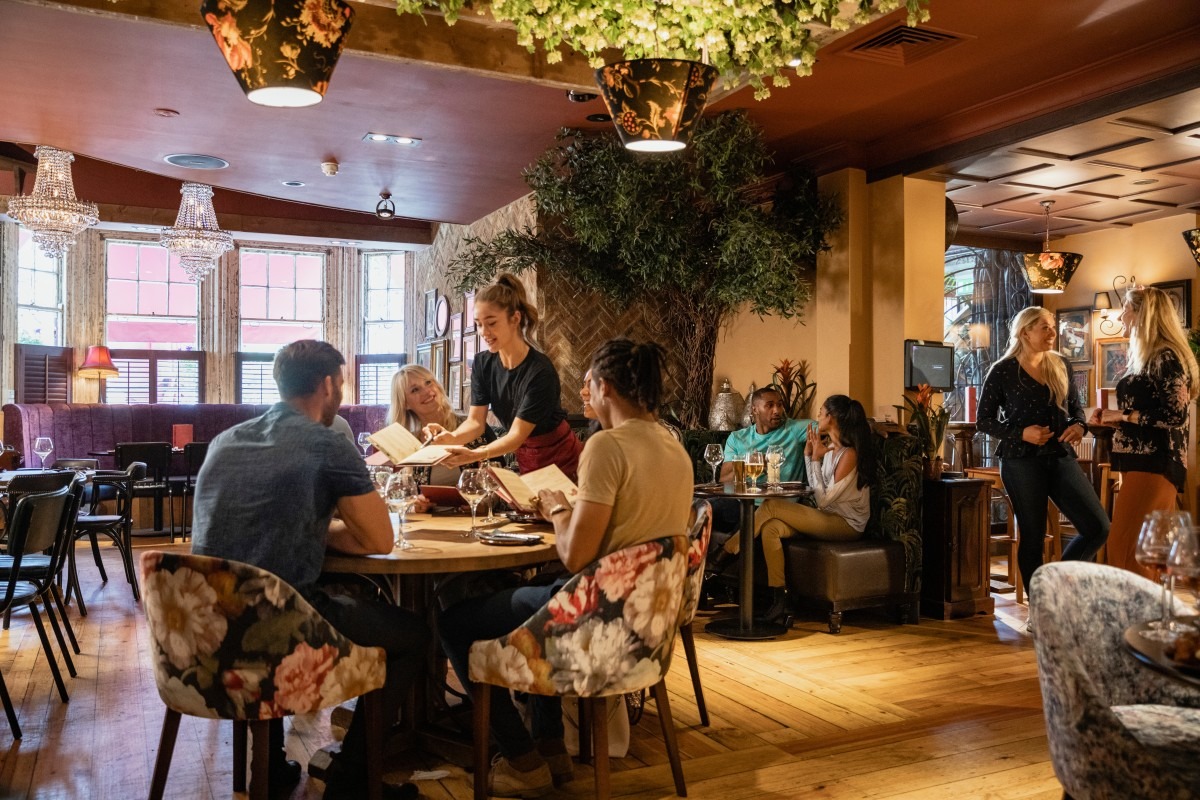
Two restaurants can have the same POS and kitchen setup and still deliver totally different guest experiences. The difference usually comes down to communication.
This is the layer of your restaurant tech stack that helps you enhance customer experience without asking your staff to do more during peak hours.
Guest communication is where a lot of restaurants get stuck. Your host stand is managing tables, walk-in flow, and guest expectations, while answering calls constantly, which pulls attention away from the door.
This is where a solution for handling guest communications makes a big difference. An AI-powered restaurant concierge can answer calls, texts, and emails so that guests get the information they’re looking for instantly without your host having to respond.
A strong tool supports:
A great example is Hostie, a virtual concierge built specifically for restaurants. Hostie answers calls and texts in your restaurant’s brand voice, supports reservations and events, integrates with restaurant tech stack essentials, and helps protect the guest experience during peak hours and after-hours.
We also give teams real-time visibility through transcripts, live monitoring, and the ability for staff to jump in when needed, all inside a unified inbox.
Restaurants using Hostie have seen clear outcomes tied directly to call volume and booking flow:

Reviews are not just a marketing channel. They provide operational feedback, and they show patterns faster than most managers can catch during a busy week.
Good reputation tools help restaurant operators:
Customer relationship management tools help you build repeat visits without leaning on constant discounts.
A CRM connects customer data to real behavior. It helps you understand who’s coming in and how to bring them back in a way that fits your brand.
Customer relationship management systems support:
A great restaurant tech helps you run service smoothly, protect your margins, maintain a strong guest experience, and support your staff on the busiest days.
Start by building a foundation you can trust: POS systems, online ordering, reservation management, a kitchen display system, etc. Then add the guest experience layer that keeps communication tight and service moving.
If you want to see what guest communication looks like when it’s built for real restaurant operations, see Hostie in action. Book a demo or jump right in and start your free trial today.