
SoundHound menu loop errors typically occur when call forwarding routes back to the AI system instead of reaching staff, or when Toast POS menu data contains circular references through modifier groups. Fix loops by configuring Selective Call Forwarding with proper trigger words, using dedicated transfer lines, and removing self-referencing menu items.
• Menu loops happen when calls route back to the AI system or POS data contains circular references
• 21% of restaurant calls go unanswered, and 70% of those callers move to competitors
• Cancel existing forwarding with *73, then reconfigure Selective Call Forwarding to a non-forwarded line
• Check Toast menu JSON for items that reference themselves through modifier groups
• Test regularly by calling your own number and requesting to speak with staff
• Limit IVR menus to 5 top-level options and 3 sub-options to reduce loop risk
It's Friday night, reservations are packed, and the phone just won't stop ringing. Except there's a problem: callers are stuck in an endless loop, hearing the same greeting over and over, unable to reach anyone or complete their request. They hang up frustrated, and you lose the booking.
Most SoundHound menu loop errors stem from two culprits: call forwarding mishaps and circular menu data in your POS integration. The good news? Once you know where to look, you can spot, fix, and prevent these loops in minutes. Let's walk through exactly how to do that.
A menu loop occurs when your AI phone system routes a caller back to where they started, creating an infinite cycle with no exit. For restaurants using voice AI, this is more than a technical glitch. It's a guest experience disaster.
Here's the mechanics: your main restaurant number forwards calls to SoundHound's Smart Answering system. When a caller asks to speak with a person, Smart Answering attempts to transfer them back to the restaurant. But if the forwarding isn't configured correctly, that transfer lands right back at Smart Answering, and the cycle repeats. With Selective Call Forwarding, the system recognizes a trigger word and forwards the call to the business phone, avoiding the loop.
The second type of loop comes from your menu data. Toast's developer documentation describes a scenario where Item A includes Modifier Group B, Modifier Group B includes Modifier Option C, and Modifier Option C references Item A, creating an infinite loop that prevents the menu JSON from resolving.
Why should you care? Research shows that 21% of calls go unanswered in service industries like restaurants, and 70% of leads who don't get an answer move on to a competitor. A looping phone system makes that problem exponentially worse.
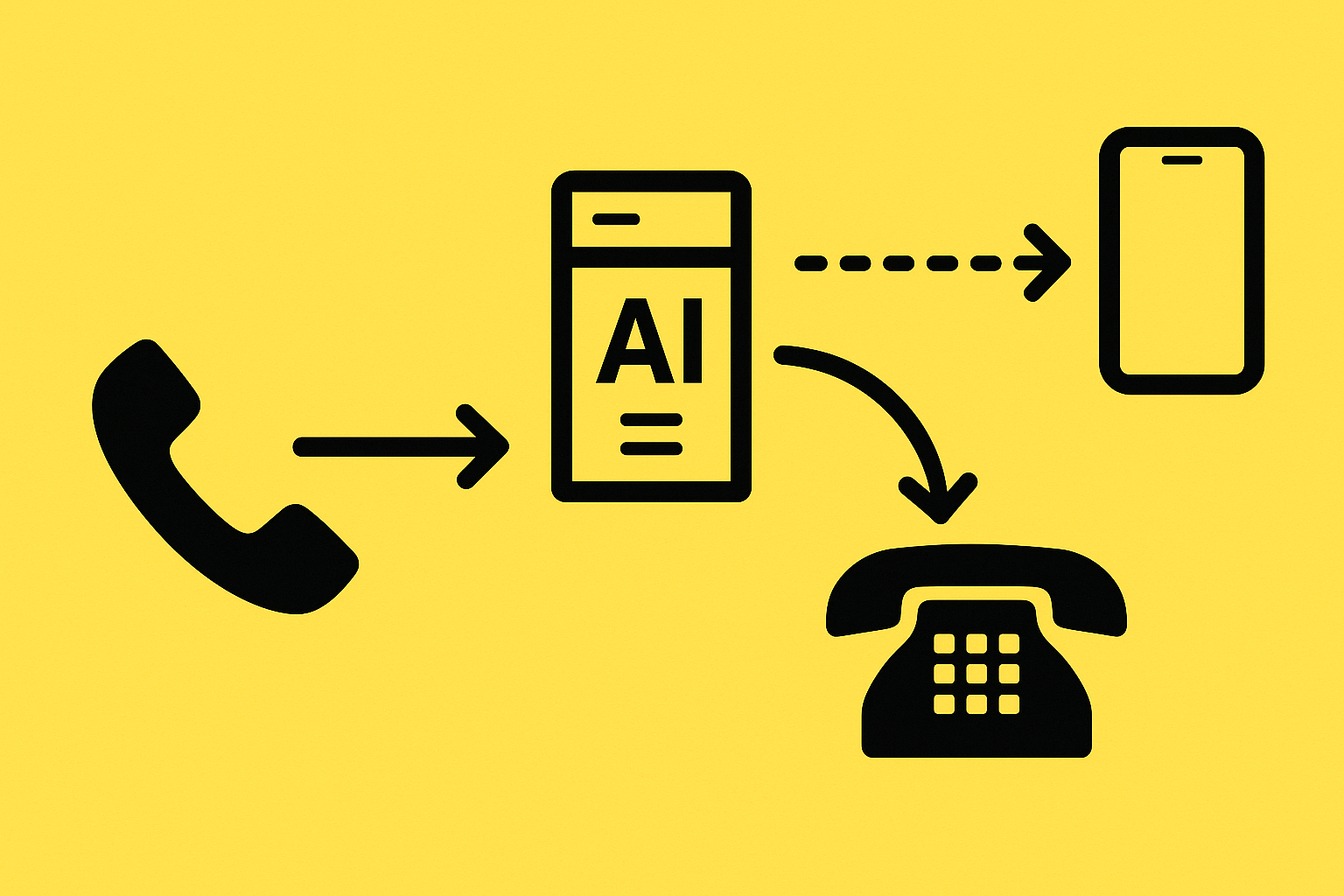
Call forwarding is essential for voice AI to work, but get the setup wrong and you create the very loop you're trying to avoid.
To use SoundHound for Restaurants, you need to set up call forwarding via your carrier so incoming calls route to the AI-powered number. SoundHound offers three forwarding options:
The typical loop scenario: Restaurant number forwards to Smart Answering. Caller says "I need to speak with someone." Smart Answering attempts to transfer to the restaurant number. But that number still forwards to Smart Answering. The call bounces forever.
Call forwarding settings also vary by carrier. Unconditional call forwarding sends all calls immediately to the specified number, which can compound loop problems if not paired with proper selective forwarding rules.
The best fix is catching a loop before it frustrates a single guest. That requires testing and monitoring.
SoundHound's own documentation emphasizes that testing should be ongoing, not just during initial setup. Every time you update your AI's knowledge base or change forwarding settings, test again.
Here's how to detect loops early:
Key takeaway: Build testing into your weekly routine. Loops can appear after any configuration change, even ones that seem unrelated.
If you've identified a loop, here's how to break it fast.
Step 1: Cancel existing call forwarding
For most carriers, dial *72 to activate call forwarding and *73 to deactivate it. Start by canceling all forwarding to reset your configuration:
| Carrier | Activation Code | Deactivation Code |
|---|---|---|
| Verizon | *72 | *73 |
| AT&T | *72 or 72# | *73 |
| Comcast | *72 | *73 |
| Spectrum | *72 | *73 |
| Google Voice | Account settings | Account settings |
Step 2: Configure Selective Call Forwarding correctly
The key to avoiding loops is ensuring that when Smart Answering transfers a call, it goes to a number that does NOT forward back to Smart Answering. Options include:
Make sure your selective call-forwarding list includes trigger words like "agent," "manager," "representative," or "speak with someone."
Step 3: Check your Toast menu for circular references
If you're integrated with Toast, open your menu JSON and look for items that reference themselves through modifier groups. The fix is straightforward: if your integration encounters a modifier option whose item reference matches its parent item, stop looping and don't display that modifier option.
Step 4: Test before going live
Once you've made changes, conduct a test call to your business number. Try multiple scenarios: asking for hours, requesting a manager, and placing an order. Only reinstate full forwarding once every path works.
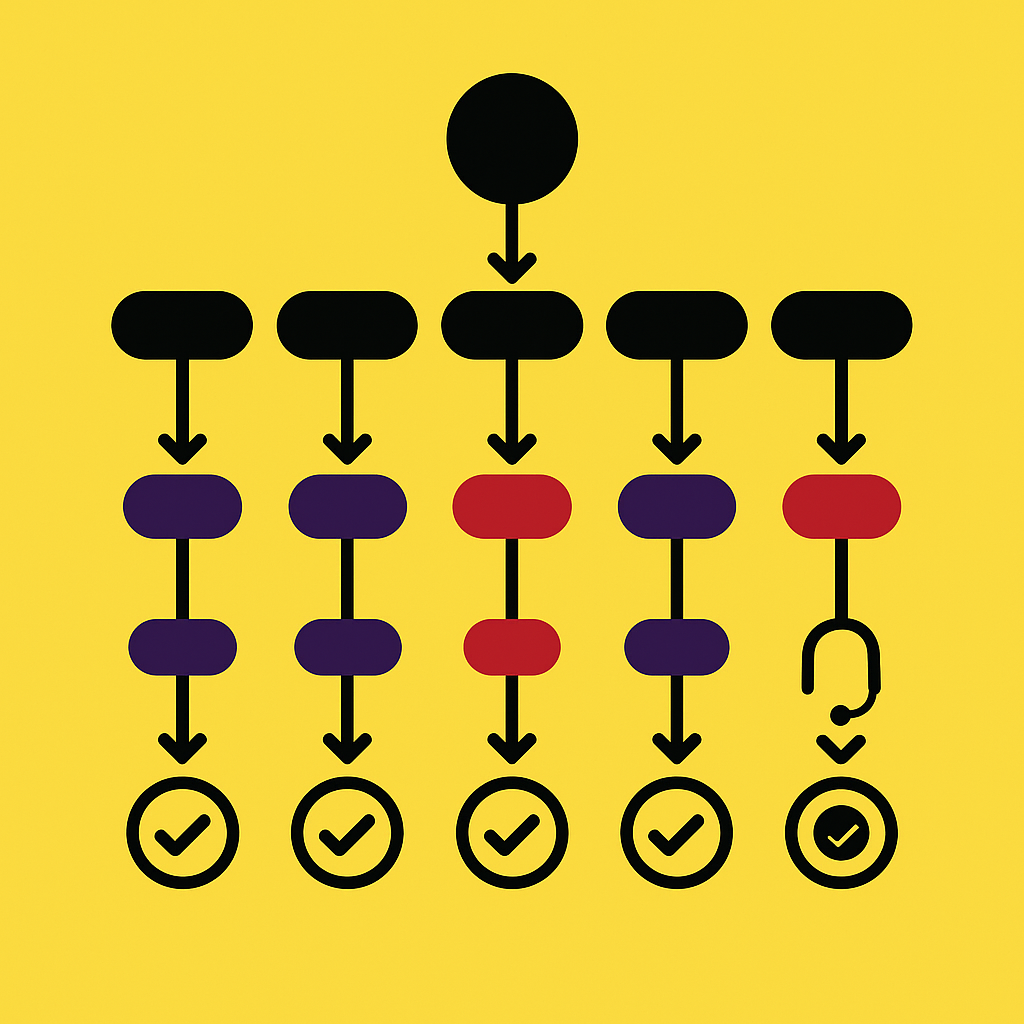
Prevention beats repair. Here are best practices for building voice flows that never loop.
Verizon's IVR guidelines recommend that IVRs should have no more than five top-level options and three sub-options per top-level option. More options mean more chances for confusion and looping.
Additional design principles:
The integration of AI into IVR systems has brought increased adoption rates, substantial cost savings, and higher customer satisfaction, but only when designed thoughtfully. A poorly designed voice flow frustrates guests faster than no automation at all.
Both platforms serve restaurants, but they approach the problem differently.
SoundHound has processed over 100 million phone interactions and powers well over 10,000 locations. It offers robust enterprise capabilities, including drive-thru ordering and omnichannel solutions. However, SoundHound's enterprise focus means that bigger groups usually go through an enterprise onboarding process to connect phone lines and POS systems, which can be complex for smaller operators.
Hostie AI takes a different approach. Built specifically for restaurants by industry veterans, Hostie offers deep integrations with Toast and other major POS systems, allowing real-time updates and availability checks. The platform supports multilingual communication in over 20 languages and provides real-time monitoring of every conversation.
The setup difference matters for loop prevention. Hostie is designed to be plug-and-play: hook up your existing systems, add a few FAQs, and you're live. No coding, no lengthy onboarding. That simpler architecture means fewer configuration points where loops can occur.
Preventing loops isn't just about guest experience. It's about revenue.
| Factor | Impact |
|---|---|
| Unanswered calls | 21% of restaurant calls go unanswered |
| Lost leads | 70% of unanswered callers move to competitors |
| AI revenue potential | $3,000 to $18,000 additional monthly revenue per location |
| Hostie breakeven | $374/month in additional revenue |
SoundHound has helped restaurants achieve 85% faster service times and shifted call-center hours in ways that save roughly $60,000 annually for some operations. But those savings evaporate if configuration issues create loops that drive guests away.
For restaurants seeking restaurant-specific simplicity with transparent pricing and no setup fees, Hostie AI offers a compelling alternative that minimizes the configuration complexity where loops typically originate.
Menu loops are frustrating, but they're fixable. The key steps:
As Amanda Flores of Flour + Water shared after implementing AI phone handling, "It's been a really nice change." (Hostie AI) Her restaurant resolved over 1,300 calls in just four weeks.
Your guests deserve the same experience. Start with a test call tonight. If something loops, you now know exactly how to fix it.
💡 Ready to see Hostie in action?
SoundHound menu loop errors are typically caused by call forwarding mishaps and circular menu data in POS integrations. These loops occur when calls are routed back to the starting point, creating an infinite cycle.
To prevent call-forwarding loops, ensure that your call forwarding is correctly configured. Use selective call forwarding with properly set trigger words and avoid routing calls back to the AI system. Regular testing and monitoring can help catch loops early.
To fix a menu loop, first cancel existing call forwarding, then configure selective call forwarding correctly. Check your POS menu data for circular references and test your system thoroughly before going live again.
Hostie AI offers a simpler, plug-and-play setup with deep integrations into major POS systems, reducing configuration points where loops can occur. This makes it easier to prevent loops compared to SoundHound's more complex enterprise-focused setup.
Addressing AI phone system loops quickly is crucial because they can lead to frustrated guests and lost bookings. With 21% of calls going unanswered in the restaurant industry, loops exacerbate this issue, potentially driving customers to competitors.
RELATED